Multi-Platform Linux Lab
This lab documents my experience building and managing Linux environments across multiple platforms, including Android devices, Windows Subsystem for Linux, and Oracle VirtualBox.
The goal was to compare different Linux deployment methods, practice Linux administration, troubleshoot platform-specific limitations, and build a reusable lab environment for future infrastructure, networking, and automation learning.
Platforms Covered
What I Practiced
- Installed and configured Linux environments across different platforms
- Used Ubuntu inside Android through Termux and proot-distro
- Configured a graphical Linux desktop using XFCE and Termux X11
- Built a CLI-only Ubuntu environment on a non-rooted Android phone
- Configured Linux Mint inside Oracle VirtualBox
- Used Ubuntu 24.04 through WSL2 on Windows
- Practiced Git, GitHub, Python, networking, package management, and troubleshooting
Lab Structure
multi-platform-linux-lab
│
├── OnePlus-8T-Termux-X11
├── Honor-200-Pro-Ubuntu-CLI
├── VirtualBox-Linux-VM
└── WSL-Lab
Included Linux Environments
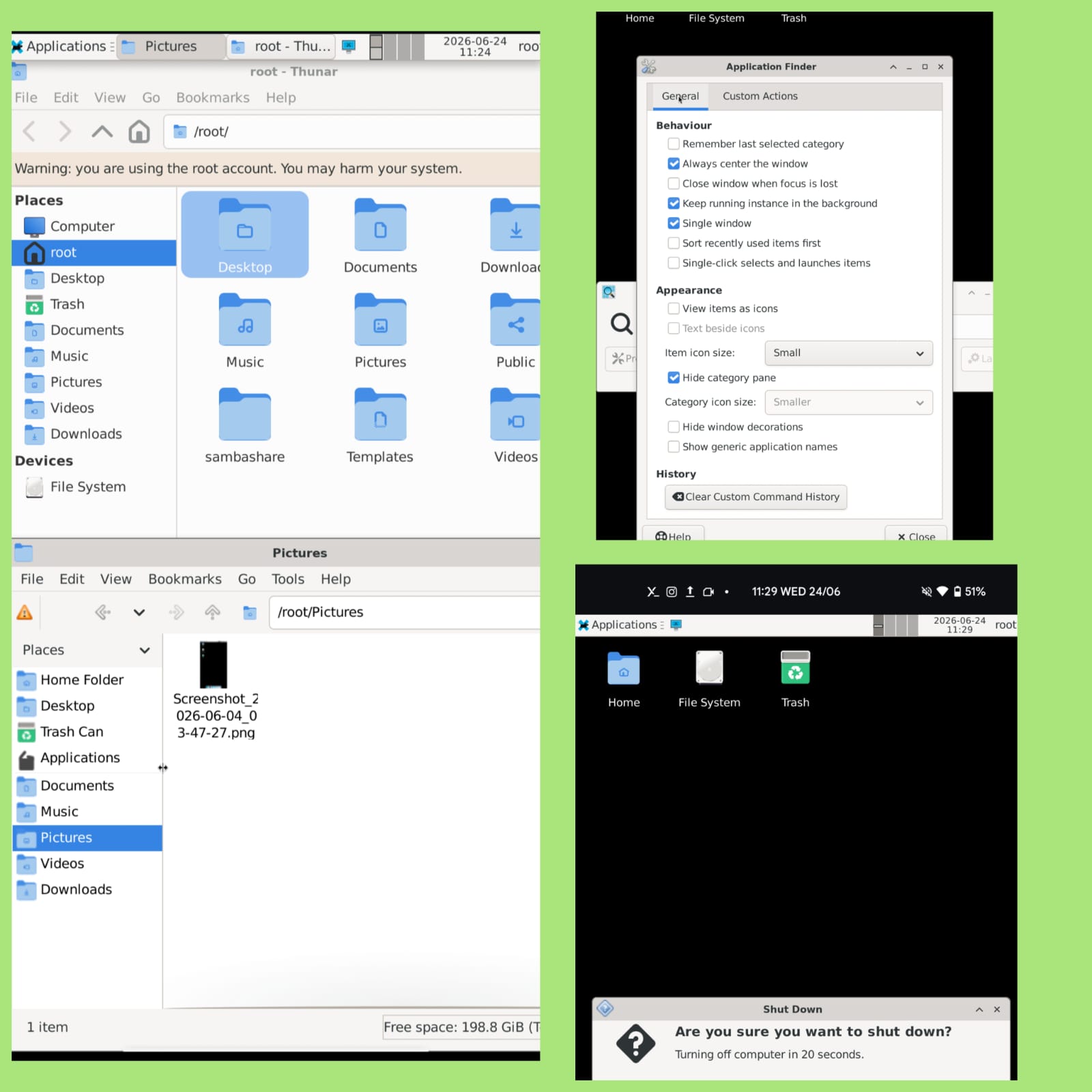
OnePlus 8T Ubuntu XFCE Lab
Built a graphical Ubuntu Linux environment on a rooted OnePlus 8T using Termux, proot-distro, XFCE, and Termux X11.
View GitHub README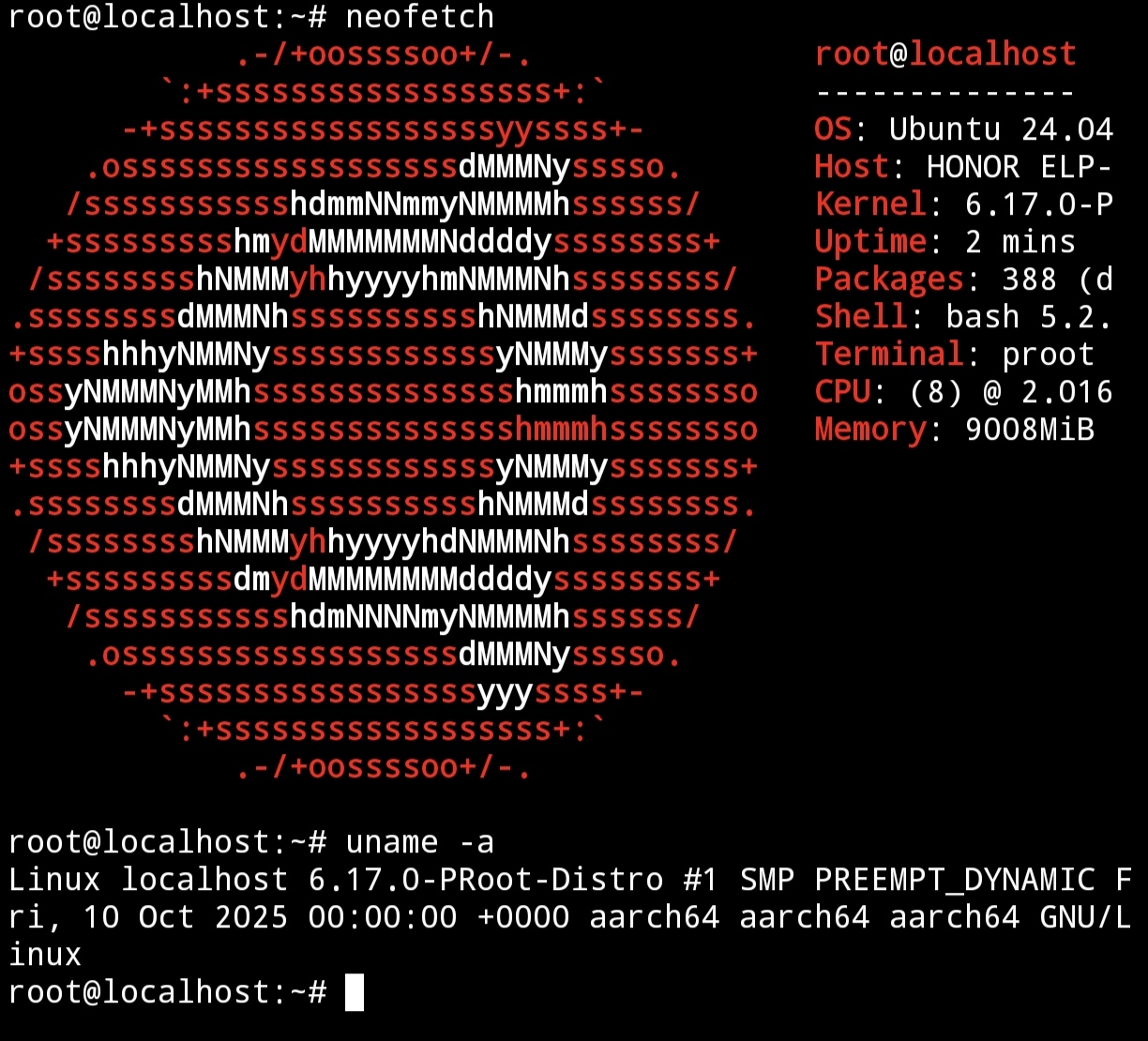
Honor 200 Pro Ubuntu CLI Lab
Built a CLI-only Ubuntu 24.04 environment on a non-rooted Honor 200 Pro for Linux commands, Python practice, Git, and GitHub workflows.
View GitHub README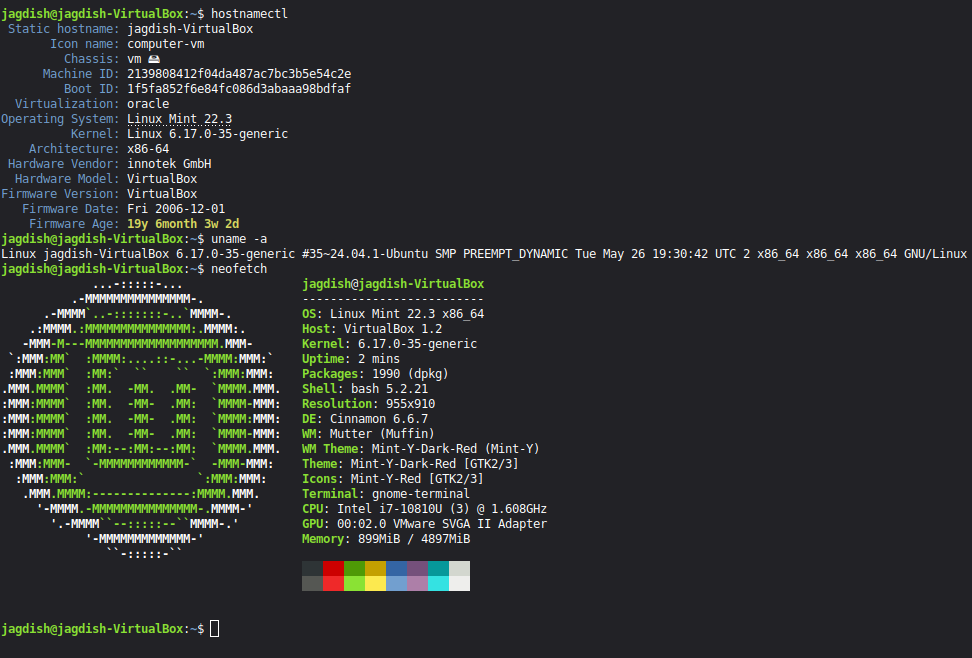
Linux Mint VirtualBox Lab
Deployed Linux Mint inside Oracle VirtualBox and practiced networking, SSH service management, UFW firewall configuration, and VM administration.
View GitHub README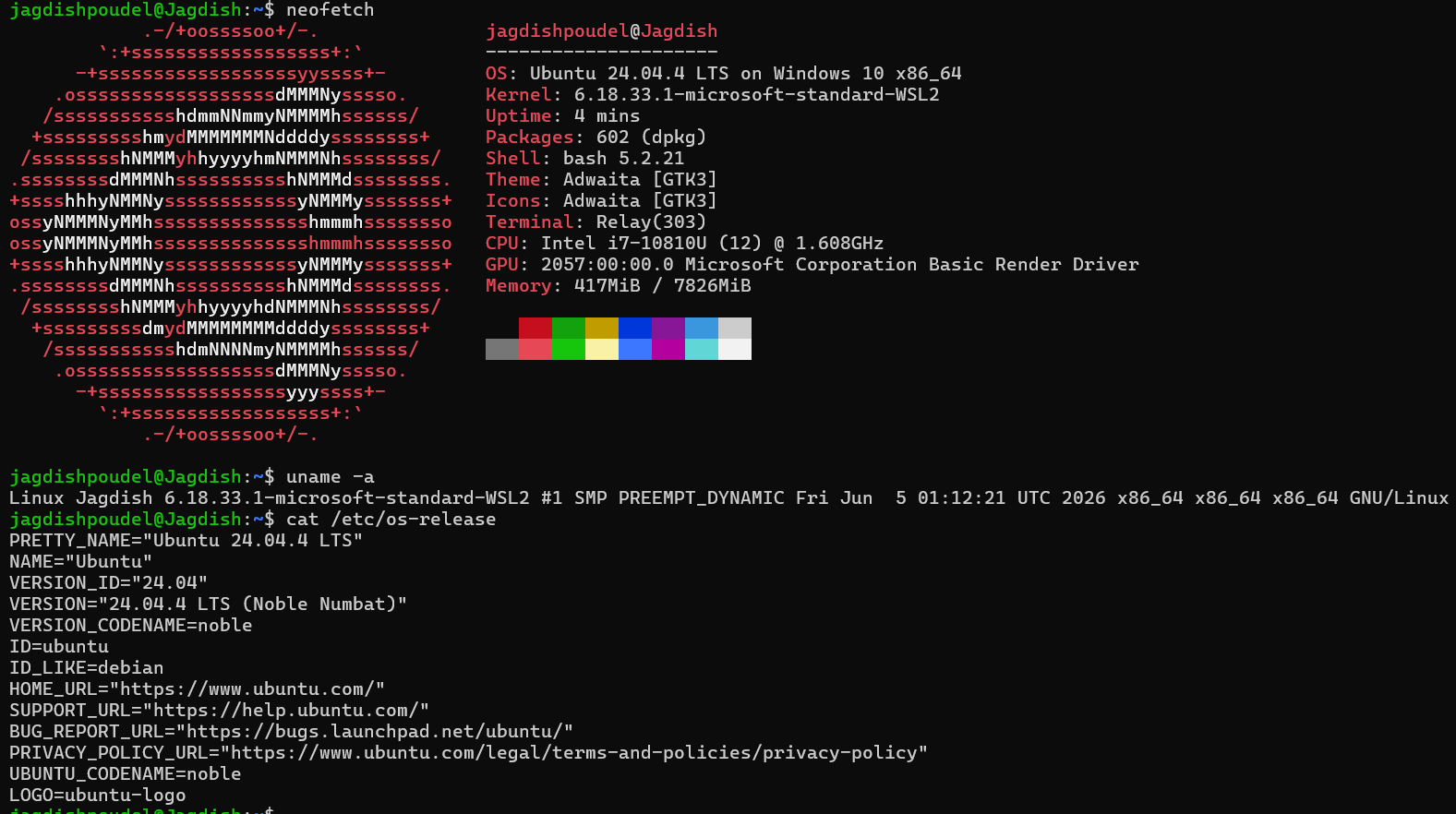
WSL2 Ubuntu Lab
Configured Ubuntu 24.04 on WSL2 for Windows-Linux integration, GitHub workflow, Python development, and Linux CLI practice.
View GitHub READMESkills Demonstrated
- Linux administration across multiple platforms
- Android-based Linux environments
- Virtualization using Oracle VirtualBox
- Windows Subsystem for Linux
- CLI troubleshooting
- Package management
- Git and GitHub workflow
- Python development environment setup
- Networking and system verification
Key Takeaway
This project helped me understand that Linux behaves differently depending on the platform, permission model, networking layer, display system, and virtualization method being used.
Working across Android, WSL2, and VirtualBox improved my ability to troubleshoot real-world infrastructure issues instead of relying on one perfect lab environment where everything magically behaves, because apparently computers enjoy drama.